 4
1
Shop as usual
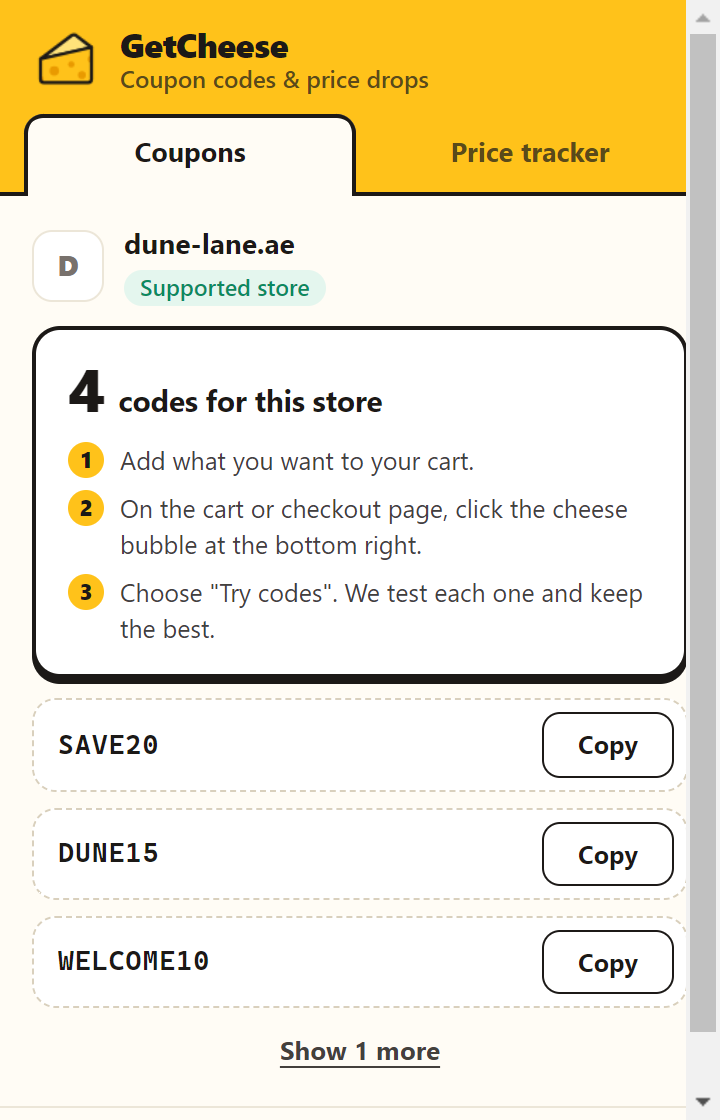
On a supported store, a cheese button sits in the bottom-right corner. The number is how many codes we have for that store today.
GetCheese works on noon, Namshi, Ounass, Amazon.ae and 450+ more stores. On the cart page, press Try codes: it types each code into the store's own promo box and keeps the one that saves you the most.
 4
On a supported store, a cheese button sits in the bottom-right corner. The number is how many codes we have for that store today.
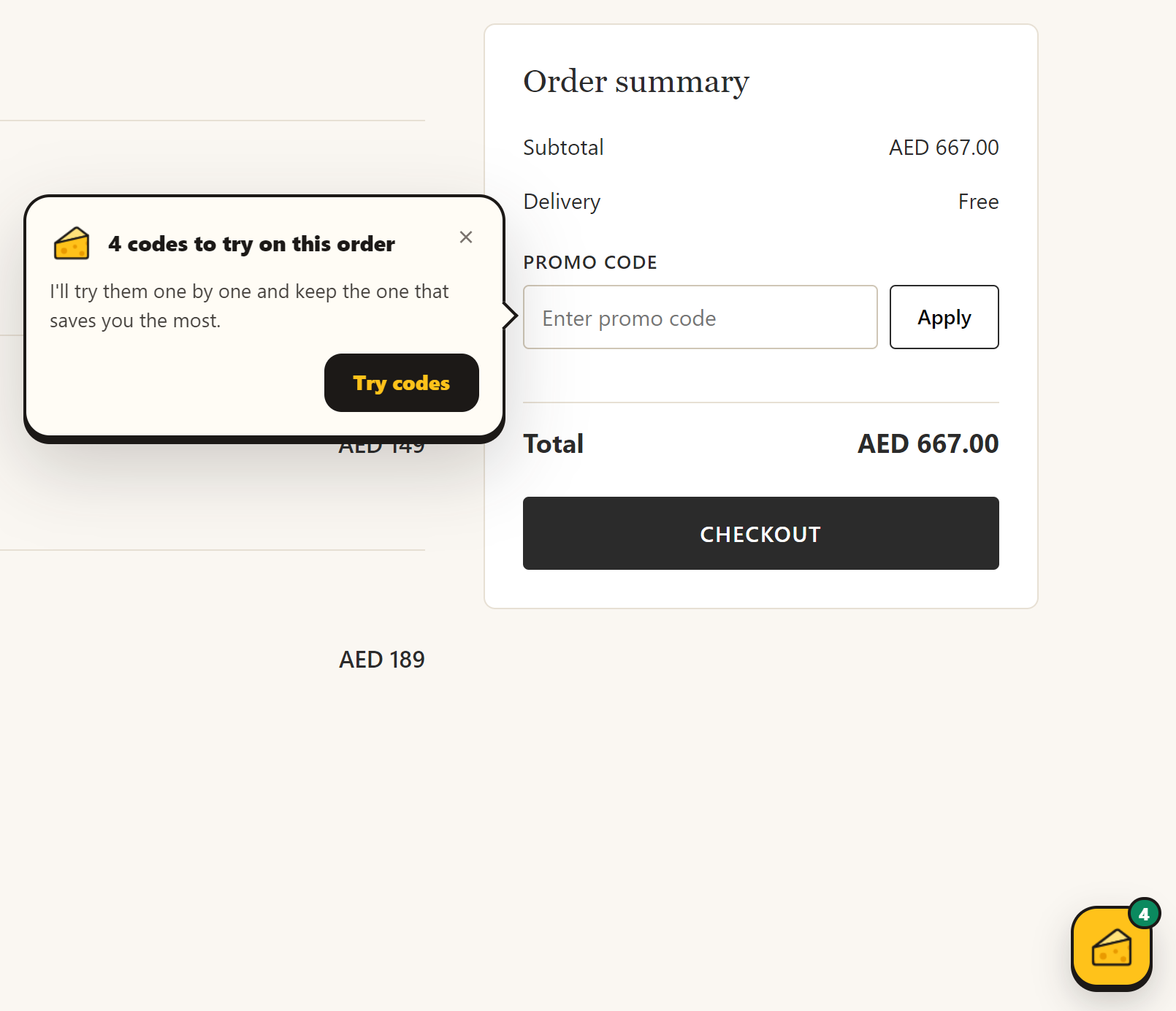
GetCheese points at the promo box and asks first. Nothing is typed into the page until you say so.
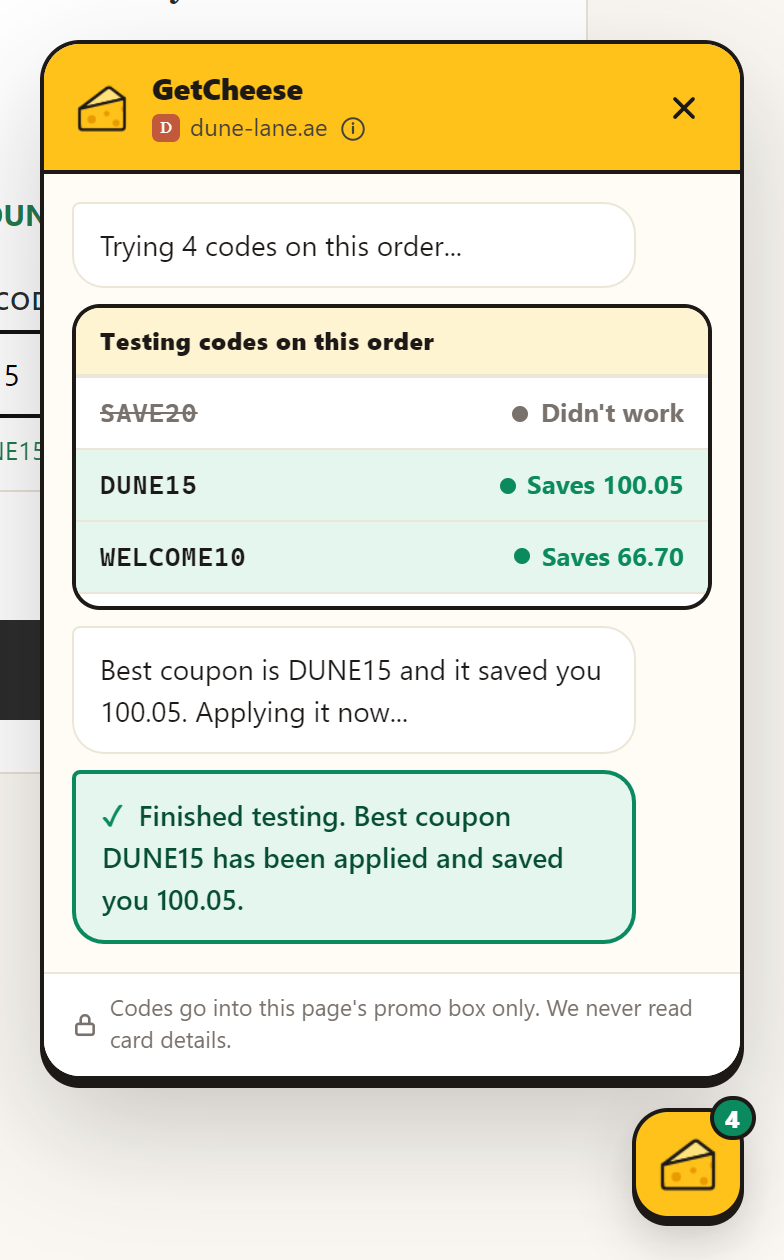
Each code is tried and checked against the store's own answer. The one that saves the most goes back on your order.
Coupon extensions ask for big permissions. Here is exactly what GetCheese does with them, and how to verify it yourself.
GetCheese downloads our public store list once a day and checks every site against it on your computer.
News, email, banking, social media: GetCheese stays off. No request to our server, no analytics event, nothing.
We receive that page's address. When you press Try codes, also the part of the page around the promo box, so we can find it.
| "Read and change all your data on all websites" | The extension has to load on a page to check whether it's a supported store. On stores, it types codes into the promo box when you ask. |
|---|---|
| "Read your browsing history" | From the tabs permission: the toolbar popup reads the current tab's address to show codes for that store. Nothing is stored or sent. |
| Sign in with Google | Optional, for price alerts. We only ask Google for your email address. |
How GetCheese stays free. When you click the GetCheese button or use a code on a store we partner with, GetCheese may open that store once through our affiliate link, in a pinned background tab that closes after about 10 seconds. The store may pay us a small commission. It never changes your price, and nothing opens until you click. Details in our privacy policy.
Search a store to see its codes and offers, updated daily. Or browse all stores.
Yes. Some stores pay us a small commission when you use a code we found. That never changes your price.
noon, Namshi, Ounass, 6thStreet, Amazon.ae, Level Shoes, Max Fashion, Bloomingdale's, Shein, AliExpress, iHerb, Sharaf DG and 450+ more across the UAE and GCC. The full list is public.
GetCheese only types codes into the store's promo box, and only after you press Try codes. It doesn't run inside payment frames and never reads card details. On sites that aren't supported stores it does nothing at all.
Chrome shows that for any extension that loads on web pages. GetCheese needs it to check, inside your browser, whether a page is a supported store. Here's how to verify that nothing is sent for other sites.
No. Codes work without one. A free account is only needed for price-drop emails.
Yes, on stores that serve those countries, for example Namshi, Level Shoes, Bloomingdale's and Nike's GCC sites.
Free for Chrome, and for other Chromium browsers like Edge and Brave.
Add to Chrome, it's free